
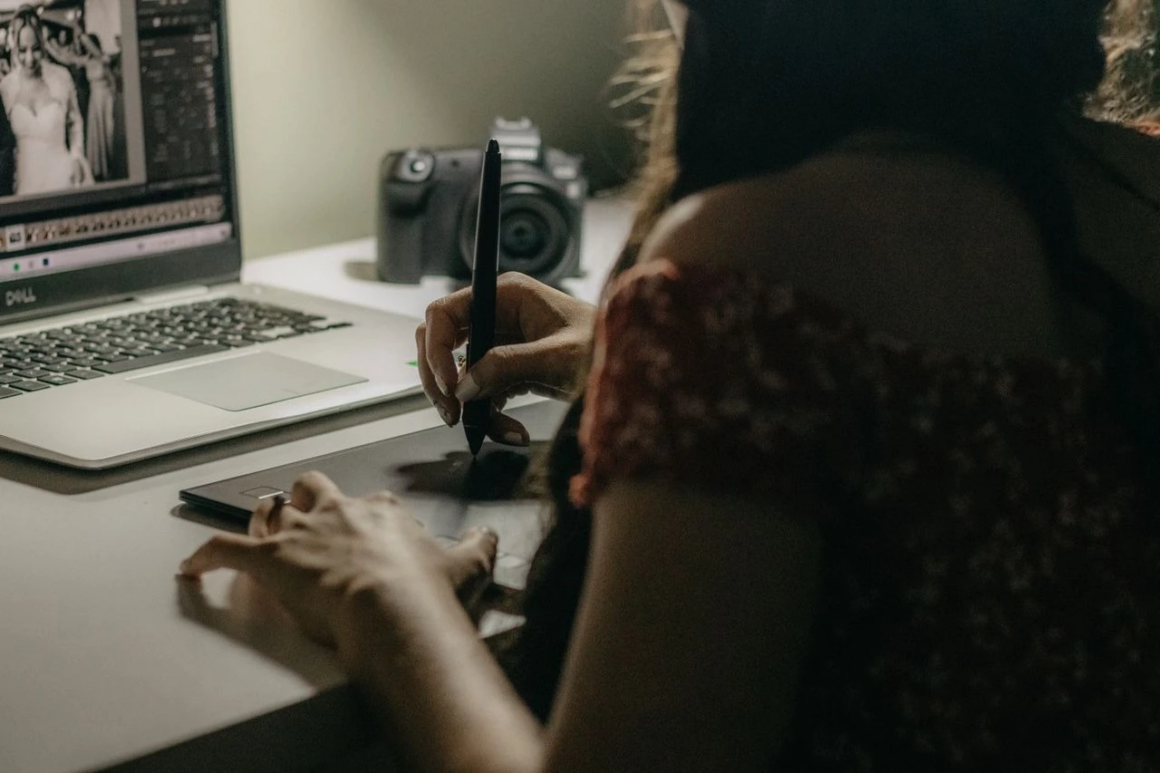
Body editing in photos has a reputation problem — and mostly for good reason. Done poorly, it produces the kind of warped backgrounds, liquefied edges, and plastic-looking results that end up in “photo editing fails” compilations. Done well, it’s practically invisible, and the subject simply looks like a well-photographed version of themselves.
The difference between those two outcomes starts long before you open any editing tool. Knowing how to use a body shaper app effectively means understanding both what the technology can do cleanly and what habits make results look natural rather than manipulated.
Start With How You Shoot
The most convincing body editing starts with a photo that already works well compositionally. Lens choice matters significantly here — wide-angle lenses distort proportions, making editing harder and results less convincing. A short telephoto focal length, roughly equivalent to 70–85mm on a full-frame camera, compresses perspective in a way that’s naturally flattering without any editing at all.
Posing also does more work than most people realize. Angling the body slightly rather than shooting straight-on, creating separation between the arms and torso, and positioning the camera at or slightly above eye level all produce more flattering proportions before a single edit is made.
What Good Body Editing Actually Looks Like
Effective body shaping in photos is about proportion and consistency, not dramatic transformation. The corrections that hold up are subtle ones — slightly narrowing the waist, smoothing a clothing line, evening out posture. These kinds of adjustments are invisible because they stay within the range of what natural variation in posing and lighting already produces.
What makes edits look fake is inconsistency. When one part of the body is reshaped without accounting for how that change affects adjacent areas, the result reads as distorted even when viewers can’t immediately identify why. Straight lines in the background — walls, floors, door frames — are particularly unforgiving. Any warping in these areas is immediately obvious.
The Practical Limits of Automated Editing
One-tap body shaping tools apply preset transformations based on detected body landmarks. For straightforward photos with clear posture and consistent lighting, these work reasonably well at moderate intensity. The problems appear when the photo has complex elements — layered clothing, busy backgrounds, multiple people in frame, or unusual poses that the detection algorithm misreads.
In these situations, automated tools frequently distort the wrong areas or produce corrections that look inconsistent across the body. Reducing intensity helps but doesn’t fully solve the underlying problem, which is that the tool is working from a generalized model rather than reading the specific photo accurately.
Why Manual Retouching Produces More Reliable Results
RetouchMe handles body editing through professional retouchers who work on each photo individually. This means complex photos — difficult backgrounds, unusual clothing, specific areas the client wants adjusted — are handled with judgment rather than a preset algorithm. The retoucher can see what the photo actually needs and apply corrections that are consistent across the whole image.
For photos being used professionally or publicly, this approach removes the risk of obvious artifacts that automated tools introduce in demanding situations.
The Mindset That Gets the Best Results
The most useful way to think about body photo editing is as a finishing step, not a transformation tool. Great results come from good shooting conditions, flattering angles, and thoughtful posing — with editing handling the small refinements that make a good photo look its best. Trying to use editing to compensate for a photo that didn’t work in the first place rarely produces convincing results, regardless of how capable the tool is.